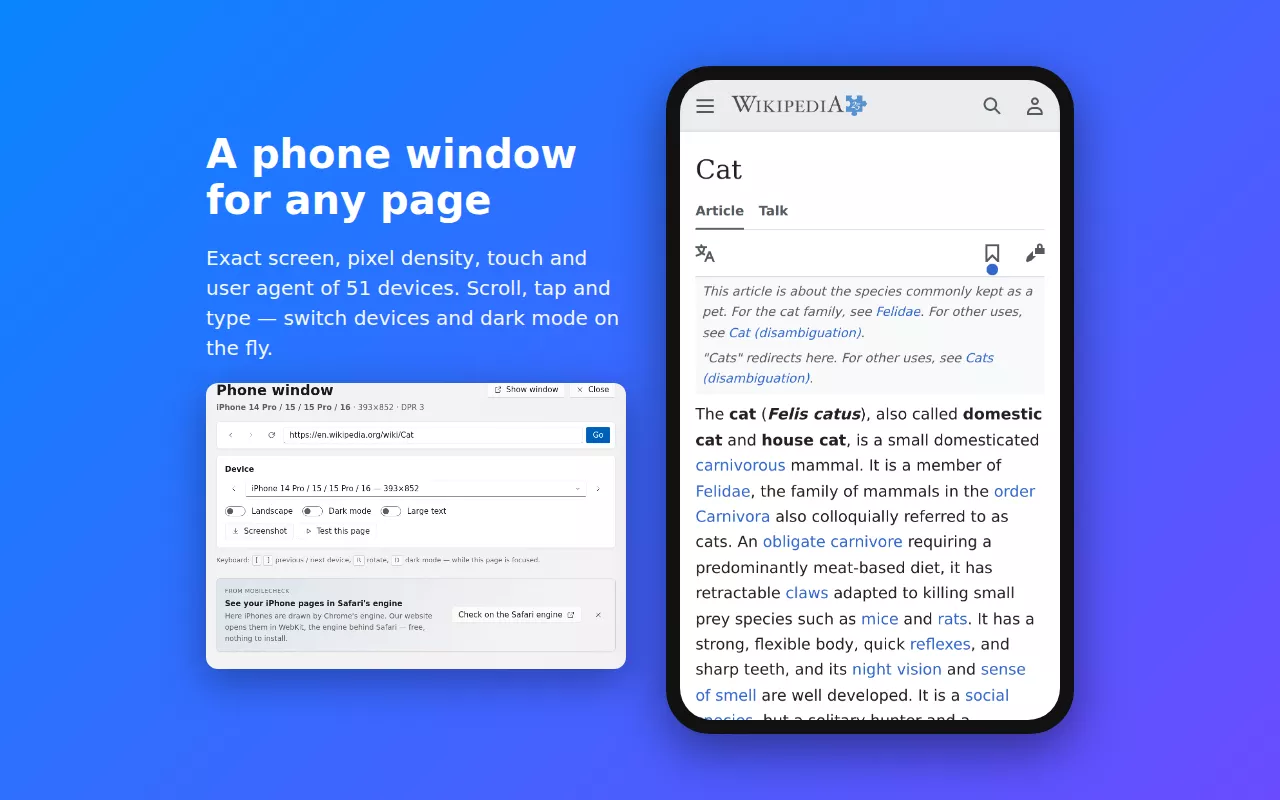
What you can do in the phone window
- Use your site like a visitor — scroll with a swipe, tap buttons, open the menu, fill in forms.
- Switch devices without losing your place — from a small iPhone SE to a Pro Max, an Android phone or an iPad, with the keyboard or the device list.
- Rotate, dark mode and large text — see what landscape, prefers-color-scheme: dark and bigger fonts do to your layout.
- Screenshots at the device's real resolution.
- Any page you can open — localhost, staging servers and pages behind your login, because it runs in your browser.
How to start
- Add the free MobileCheck extension to Chrome (or Edge, Brave, Opera, Vivaldi).
- On the page you want to see, click the MobileCheck button in the toolbar, or right-click → Open in a phone window. You can also enter the address above.
- Pick a device. The page opens in a window shaped like that phone.
Phone window or the check?
The phone window is for looking and clicking around by hand. The mobile-friendly check is automatic: it opens your page on several devices, closes cookie banners, scrolls, tries dark mode, large text and the menu, and lists every problem with how to fix it. The check on this website renders iPhones with WebKit, Safari's engine; in the extension, iPhones use Chrome's engine.
Frequently asked questions
Is it free?
Yes. The extension is free, has no time limit and needs no account. The website is paid for by its ads; the extension has none.
Is this a real iPhone or Android phone?
It is your own Chrome set up exactly like the device: the same CSS viewport, pixel density, touch input, user agent and dark mode setting. Pages see a phone and serve their mobile version. iPhones are drawn by Chrome's engine rather than Safari's, so for Safari-specific rendering run the check on our website, which uses WebKit.
Why does it need an extension?
Device emulation that pages can't tell apart from a phone needs Chrome's device-emulation interface, which only an extension (or DevTools) can use. Running it in your browser also means no waiting, no time limit, and it reaches localhost, staging and pages you are signed in to.
Does it work on my phone?
The extension is for Chrome, Edge, Brave and other Chromium browsers on a computer. On a phone you can still run the mobile-friendly check on this website.
Can I test a page that needs a login?
Yes. The phone window uses your browser's cookies, so pages open the way they do for you when you are signed in.